Simple sample clients
As Gwyscope uses client-server approach, and it is acting as a server, one needs to use a client to communicate with it over Ethernet and to control it. Clients use the commands described in Server interface section and themselves are described on the documentation Wiki. Simple clients to illustrate this process are available in C and in Python. Client can be run from any other computer, it is connected to the server via Ethernet and sends the control commands. If written in C, the Gwyfile objects can be created and passed as described in the Gwyfile library examples, a simple similar library is also available in Python version of the code. Simple clients are suitable for demonstration of the connection and few selected scanning and ramping commands. There are many more commands that the server can accept, for more details check the Server interface.
Note that simple clients already interact with the microscope hardware, therefore performance of the feedback in these examples depends on settings in hwserver.ini on server side and on actual setup of the microscope (e.g. sign of the error signal, position of the z-piezo). It also does not contain any coarse approach treatment, so to let it run fully, the probe-sample distance before running the command should be already in the range of the z-piezo. In the examples, error signal (e.g. signal from quadrant photodiode
Sample GUI client
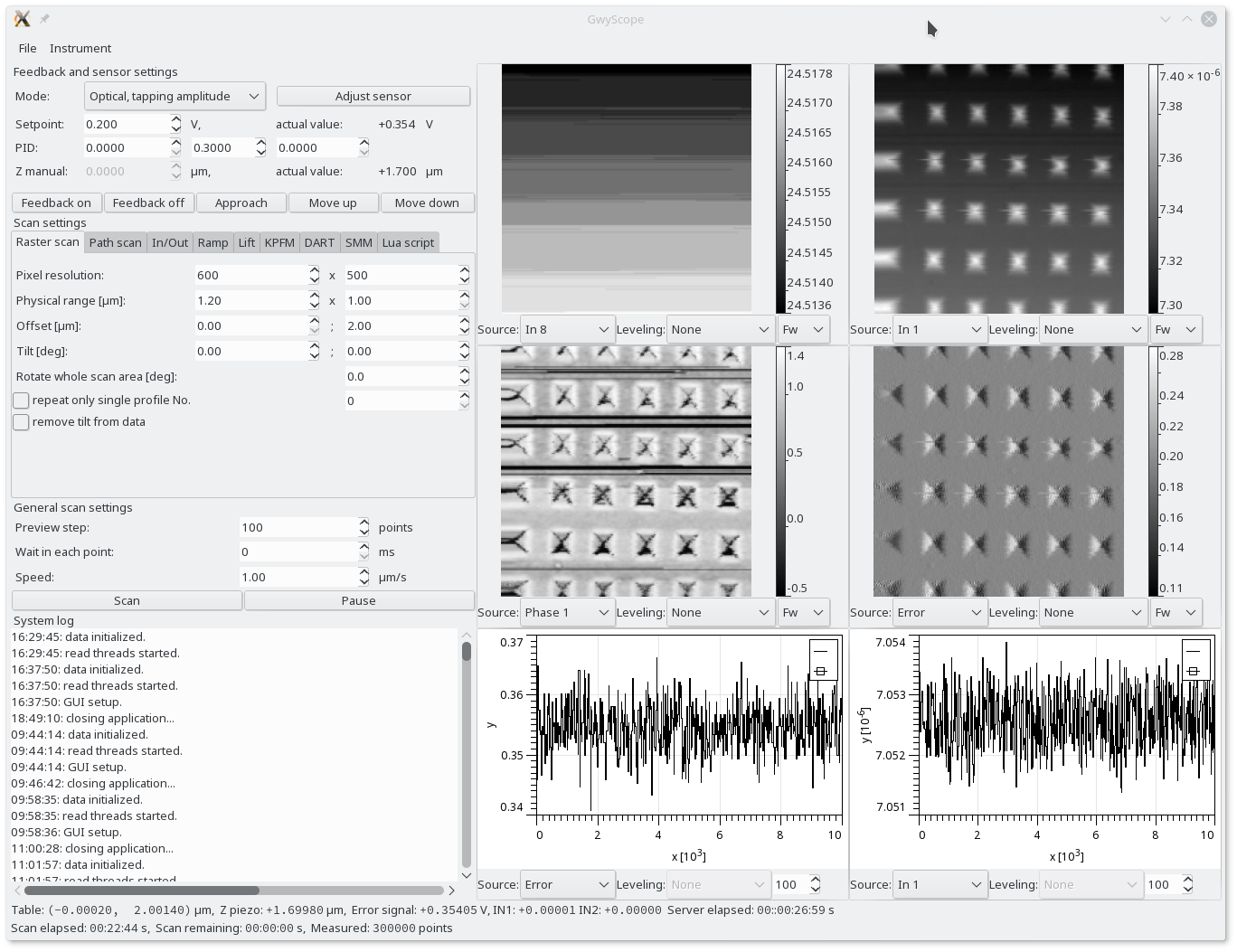
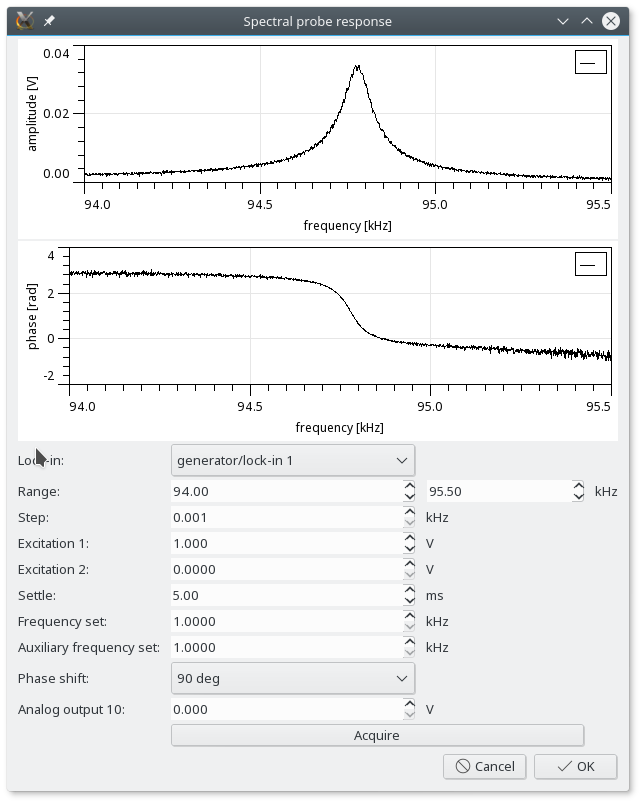
A more complex client, software to control the DSP functionality including many scanning options is called Gwyscope GUI and was primarily developed to control the microscopes at Czech Metrology Institute, so even if it can do many tasks, it is not fully universal and many advanced measurement regimes are still in implementation. Gwyscope GUI uses the same commands described in Server interface, however as it includes many functions and it has graphical user interface it is much more complex - to understand the communication with Gwyscope server the simple sample clients are a better place to start. Gwyscope GUI can be accessed here and it has its own documentation Wiki pages.